Gaze Layer STABLE
A steady, gentle cursor for eye-gaze devices, tuned for kids. It is the foundation the other tools stand on: set it up once, and eye-gaze control feels calm and forgiving across the whole suite.
Built because custom tools need custom control, and a child's cursor should never feel jumpy or unforgiving.
Who it's for
- Your child uses an eye-gaze device and wants a calmer, steadier pointer.
- You are about to install any other New ERA tool and want the shared foundation in place first.
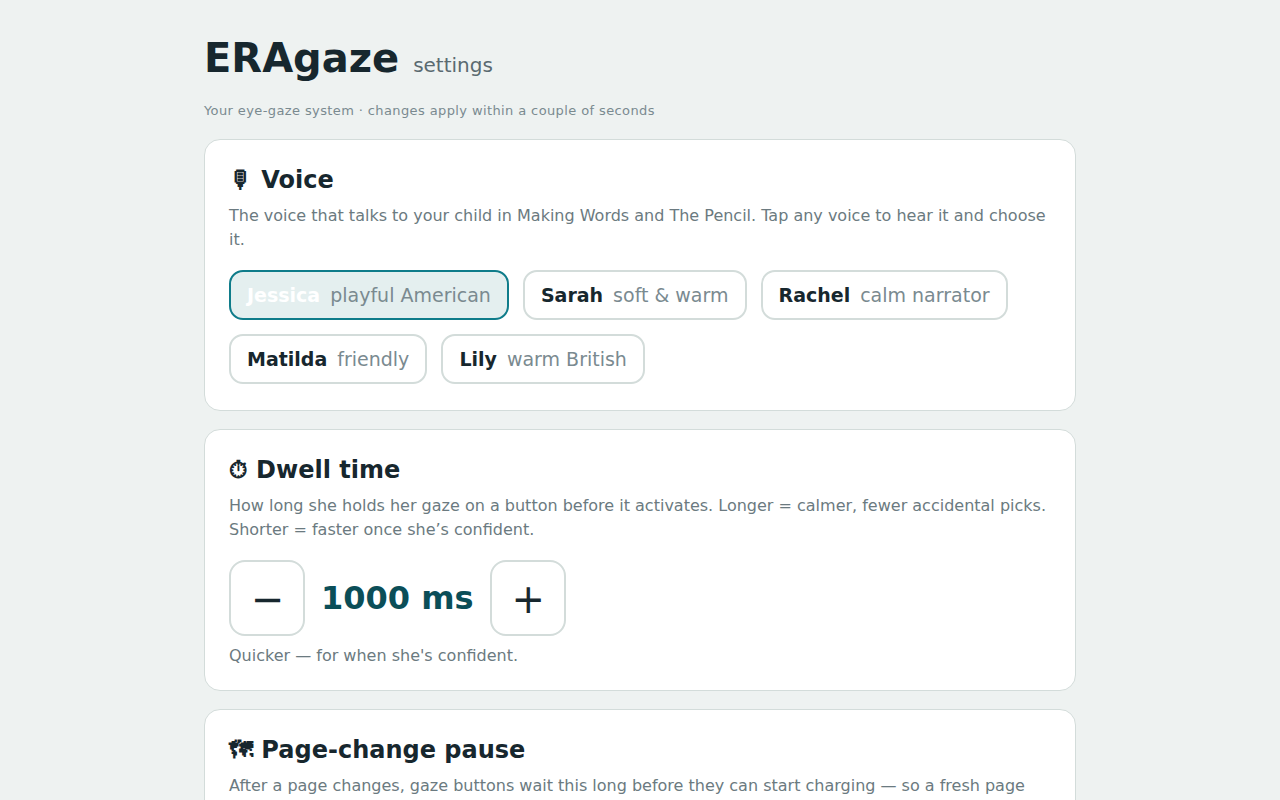
- Cursor steadying smooths shaky gaze so the pointer holds where they mean to look.
- A gentle ring shows where their eyes are landing, without crowding the screen.
- Look-away forgiveness keeps a brief glance away from cancelling what they meant to do.
- Each app handles its own dwell timing, so selection speed stays right for the task at hand.
- You can tune the feel per device, rather than accept a one-size default.
Private by design
Runs fully on your computer. Gaze data stays on the machine and never leaves it. An optional volume cap can keep sudden sounds comfortable; it is off by default, and you turn it on only if you want it.
One small installer. You choose which apps on the welcome screen. If Windows warns you, choose “More info”, then “Run anyway” — nothing is wrong, we’re just a new publisher it hasn’t met yet. (If the browser holds the download back, choose Keep.)
Version · last updated · MPL-2.0 · part of the New ERA family · see all tools or ask "which tool fits my kid?"